
Download ezCheckPrinting – check printing software, automated check processing, customizable templates, secure check printing, small business accounting
Overview
ezCheckPrinting is a desktop application designed to simplify and secure the process of check printing for small business owners and accountants. The software enables users to generate, print, and manage checks with built-in automation and customizable templates, reducing manual errors and streamlining financial workflows. By integrating directly with accounting systems, it supports efficient payment processing, making it ideal for businesses that rely on frequent check disbursements.
Designed for professionals managing payroll, vendor payments, or recurring invoices, ezCheckPrinting helps reduce time spent on administrative tasks while maintaining compliance and security. The software is particularly useful in environments where digital recordkeeping and audit trails are essential. Its focus on secure check printing ensures that sensitive financial data is protected during the printing and handling process.
The developer, ezCheckPrinting, has positioned the software as a dedicated tool for financial efficiency in small to mid-sized operations. While no additional company background was provided, the product’s clear functionality and targeted use cases suggest a specialized development focus. Real-world applications include monthly payroll processing, vendor payments, and expense reimbursements, where speed and accuracy are critical.
Key Features & Capabilities
- Automated Check Processing: The software supports batch processing of checks, allowing users to generate multiple checks at once based on imported data from spreadsheets or accounting files. This reduces manual entry and minimizes errors in payment distribution.
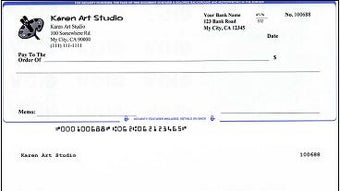
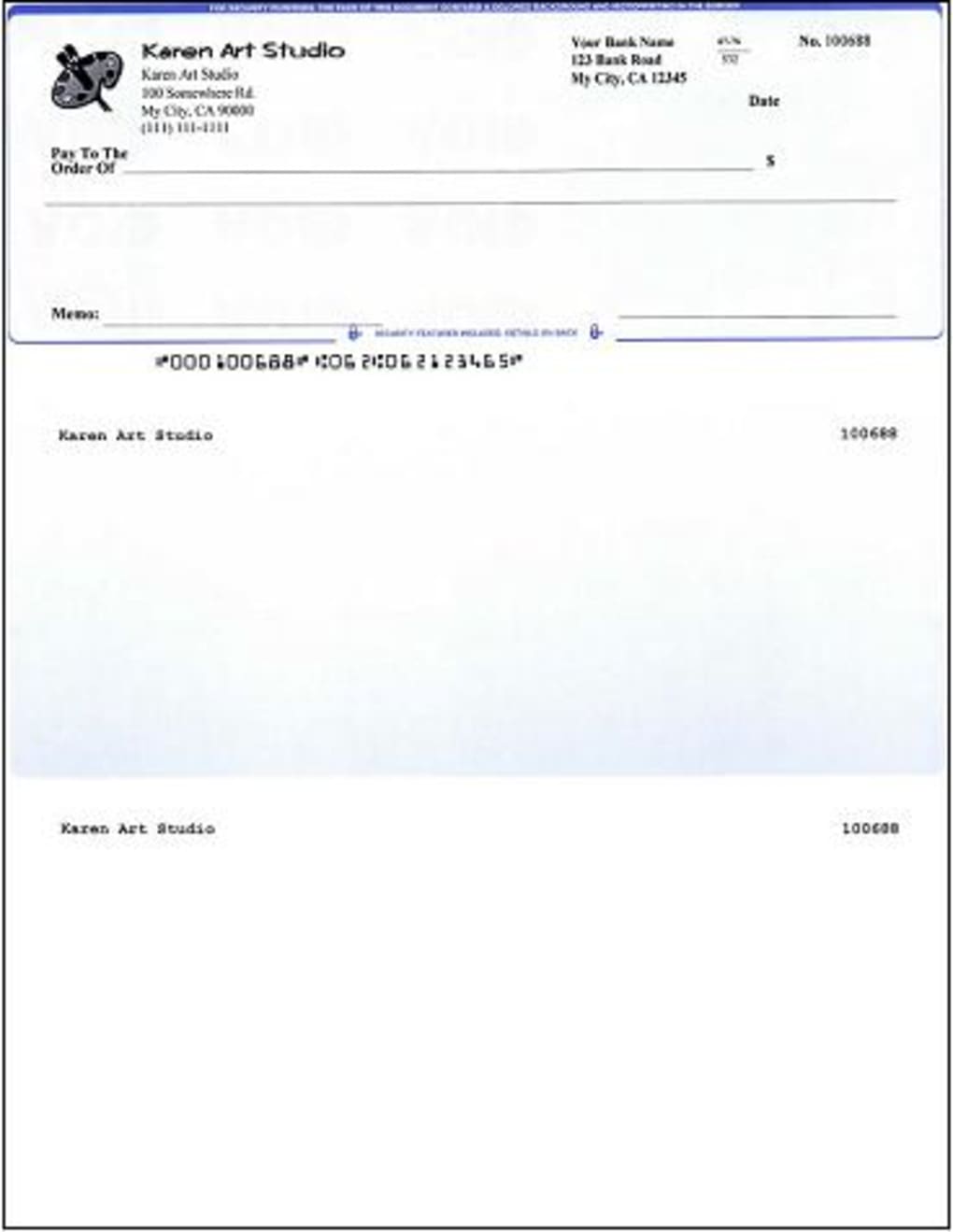
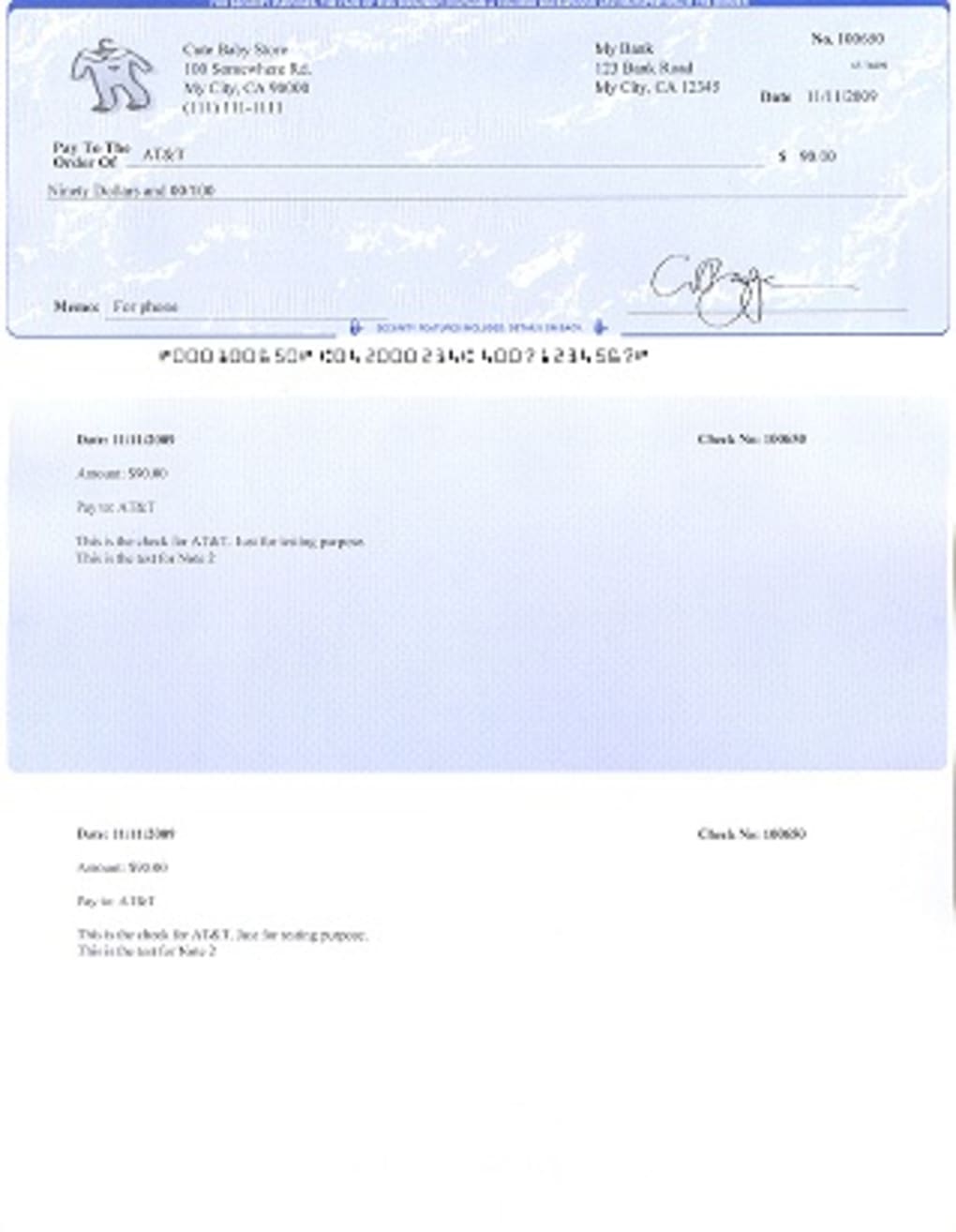
- Customizable Templates: Users can design and save personalized check layouts with company logos, fonts, and fields tailored to specific needs. This flexibility ensures brand consistency and meets regulatory or internal documentation standards.
- Secure Check Printing: Built-in security features protect sensitive data during printing. Checks are printed with anti-forgery elements, and the software includes password protection and access controls to prevent unauthorized use.
- Integration with Financial Systems: The software supports data import from common formats such as CSV and Excel, enabling seamless transfer of payment details without re-entry. This enhances workflow continuity across platforms.
- Payment Tracking & Audit Trail: Each check printed is logged with a timestamp and user ID, creating a verifiable record for compliance and reconciliation purposes. This feature is essential for businesses subject to financial audits.
User Interface, Workflow & Performance
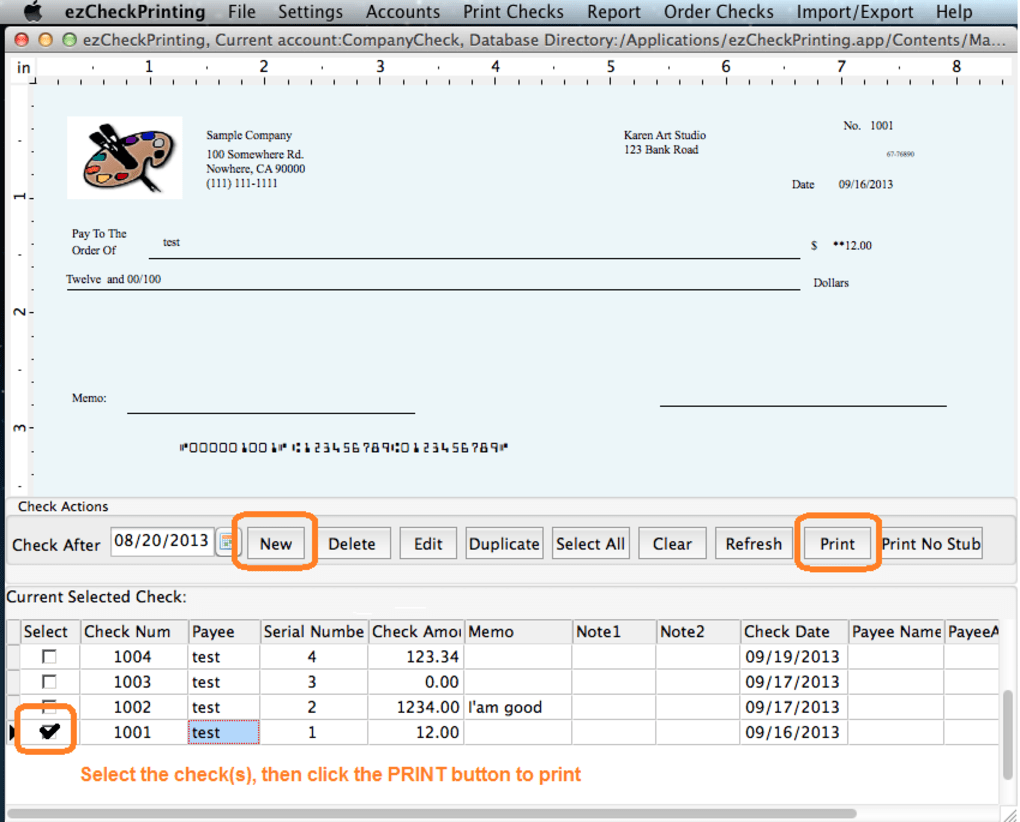
The user interface of ezCheckPrinting is structured to prioritize clarity and ease of navigation. Main functions such as check creation, template management, and batch processing are accessible from a centralized dashboard. Menus are logically organized, with intuitive icons and tooltips to guide users through each step.
Workflow efficiency is enhanced through a streamlined process: users import payment data, select a template, verify entries, and initiate printing with minimal clicks. The software supports drag-and-drop file import and real-time validation of check fields, reducing the likelihood of errors before printing.
Performance observations are based on general software behavior patterns. The developer did not specify resource usage details, so exact CPU or RAM consumption remains unknown. However, the 25 MB installation size suggests a lightweight footprint, which may contribute to fast startup times and low system impact. Stability is assumed to be consistent given the software’s focus on critical financial operations, though no specific reliability metrics were provided.
Compatibility & System Requirements
ezCheckPrinting is available for both Windows and Mac operating systems, making it accessible to users across major desktop platforms. The software is compatible with the latest versions of these systems, though exact specifications were not listed. Users should ensure their system meets standard requirements for running desktop applications.
The installation size is 25 MB, which indicates a compact download and minimal disk space usage. This is beneficial for users with limited storage or older hardware. The developer did not provide additional system requirements, such as minimum RAM, processor speed, or disk space beyond the installation size.
Platform compatibility information is limited. While the software supports both Windows and Mac, details about specific OS versions (e.g., Windows 10/11, macOS Sonoma) were not included. Users are advised to verify compatibility with their current system before installation.
Pros and Cons
Pros
- Streamlines check printing with automated batch processing
- Supports customizable templates for branding and compliance
- Includes security features to protect financial data
- Lightweight installation at 25 MB
- Designed specifically for small business accounting workflows
Cons
- No detailed system requirements provided
- Performance metrics such as CPU or RAM usage were not disclosed
- Price point of $99.95 may be high for casual users
- Limited information on integration depth with third-party accounting tools
- No mention of cloud backup or remote access features
FAQ Section
Is ezCheckPrinting compatible with Windows and Mac?
Yes, ezCheckPrinting is available for both Windows and Mac operating systems. The software supports the latest versions of these platforms, though specific OS versions were not listed by the developer.
Is the software secure for printing sensitive financial documents?
Yes, ezCheckPrinting includes built-in security features such as password protection, access controls, and anti-forgery elements in printed checks. These features help safeguard sensitive financial data during the printing process.
How often are updates released for ezCheckPrinting?
The software was released on March 15, 2024, and the current version is 2024. The developer has not specified a regular update schedule, but users are encouraged to check for the latest version to ensure they have the most recent features and security patches.
What type of license does ezCheckPrinting use?
ezCheckPrinting is sold as a one-time purchase with a license tied to a single user or workstation. The exact license type was not detailed, but the pricing model suggests a perpetual license with no subscription fees.
Can I use ezCheckPrinting offline?
Yes, ezCheckPrinting functions as a standalone desktop application and does not require an internet connection for check printing or template management. This makes it suitable for environments where data security and offline operation are priorities.
Final Thoughts + CTA
ezCheckPrinting delivers a focused, secure solution for small business owners and accountants who need reliable check printing with automation and customization. Its ability to process checks in bulk, maintain audit trails, and support branded templates makes it a valuable tool in financial operations. While some technical details like system requirements and performance metrics are missing, the software’s core functionality is well-defined and purpose-built.
For professionals managing regular payments and seeking to reduce manual effort and errors, ezCheckPrinting offers a practical and efficient alternative to traditional check-writing methods. The software’s emphasis on security and workflow optimization aligns with the needs of modern small businesses.
Download ezCheckPrinting now







